Copilot Channel Agent: your AI support in the channel

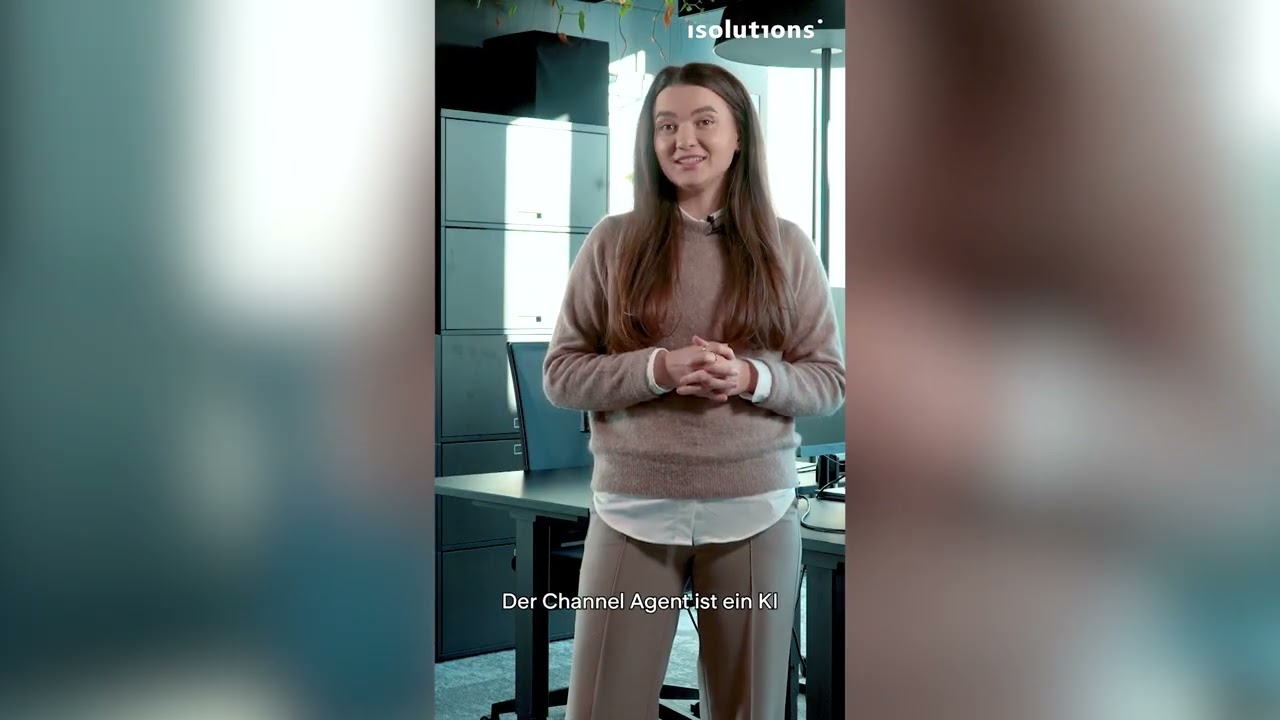
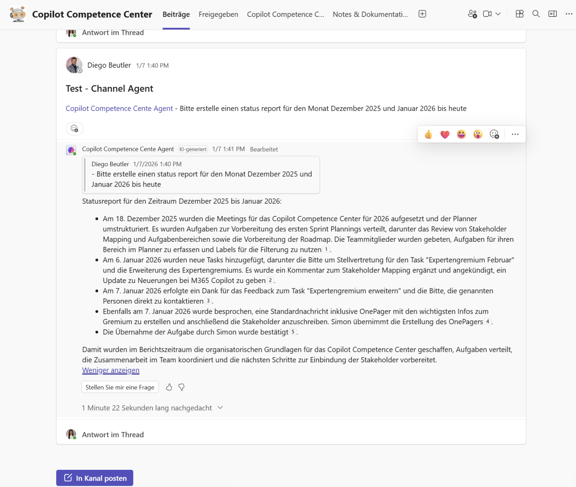
What and How
Important Notes
What should you pay attention to?
- Scope: Works only in standard channels, not in private or guest channels; access to the in‑meeting chat history is required.
- Language support: In the preview, primarily supports English (US).
- Compliance: Processes only content that the respective user has access to and shares only information explicitly permitted.
- File grounding: Since November 2025, the agent can also incorporate SharePoint files within the channel to provide even more relevant answers.
Benefits
Your everyday benefits
Efficiency boost: Automatically generated reports, tasks, and meetings reduce manual steps and save time.
Team synchronization: Loop reports and Planner tasks within the same channel ensure that everyone stays aligned at all times.
Multi‑tool integration: Tasks from tools like Jira or GitHub are centrally coordinated — ideal for complex workflows.
Context knowledge: Responses and recommendations are based on the channel’s internal communication, making them personalized and relevant.
Conclusion
You can find more tips and practical examples in the latest Spotlight video.
If you have any questions, we are happy to help.

